March 28, 2024
 Photo from Google
As a one-person company in a small team, many times I have to wear multiple hats. Especially in the design industry, designers need to focus on design ideation and can't allocate extra time to handle trivial matters. With the popularity of AI, we can choose some AI software to assist us in our daily work, thereby improving work efficiency. Now, let's take a look at which AI software is suitable for freelancers, especially designers!
- ChatGPT
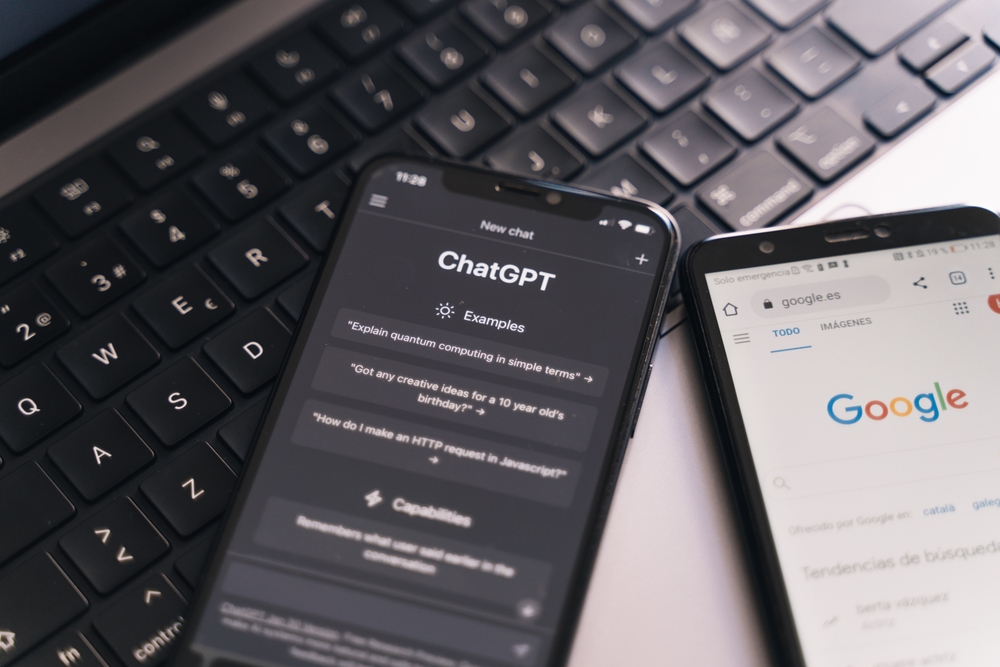
This AI chatbot, launched by OpenAI, speaks for itself. With ChatGPT, we can easily write promotional copies, product descriptions, etc., without spending a lot of time brainstorming and reviewing. Just input the outline of the copy, and a complete copy can be generated, greatly saving writing time.
Additionally, ChatGPT can assist in answering various knowledge questions and provide reference materials. Although we need to judge the accuracy of the information ourselves, the reference materials it provides are still quite valuable.
More importantly, for programming needs, ChatGPT is also competent. In the product development process, we often need to optimize and generate code, and ChatGPT can easily assist us in completing these tasks. With just a basic understanding of programming, it's easy to grasp its usage.
- Stable Diffusion Online
Traditionally, designers often need to refer to physical objects or existing designs for inspiration and improvement during the design ideation process, requiring high levels of focus and significant time investment. However, with the launch of Stable Diffusion, everything has changed. This deep learning text-to-image generation model, introduced in 2022, can generate images based on textual descriptions, providing designers with a new source of inspiration.
While Stable Diffusion is typically used to create artworks, such as images or scenes that do not exist in reality, its powerful image generation capabilities are equally applicable to product design. Although there may be some physical defects or structural bugs when applied to actual products, through Stable Diffusion's generation capabilities, we can obtain more diverse design inspirations.
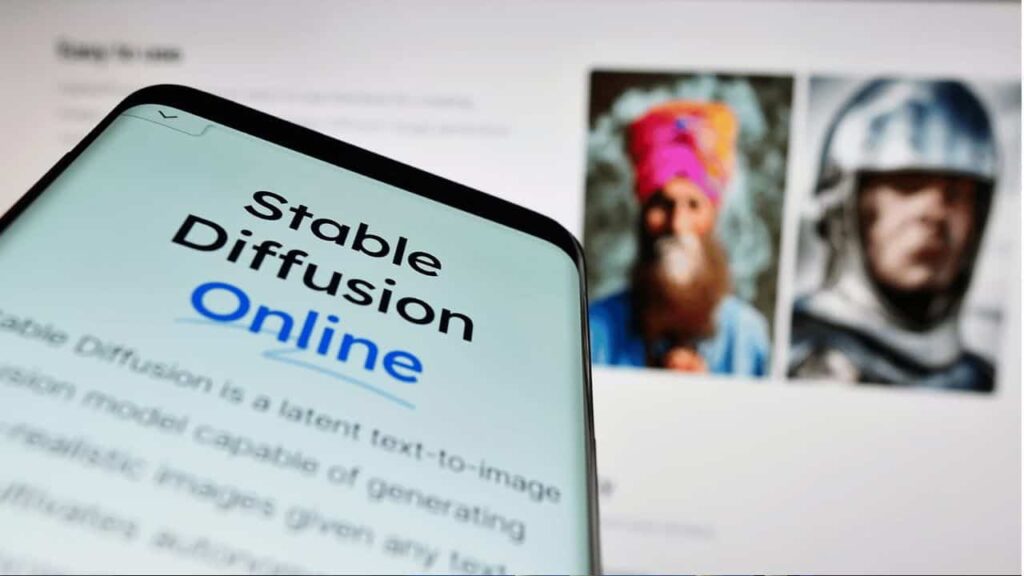
Stable Diffusion typically requires manual installation and may not be compatible with every computer hardware setup, and the installation process is not always straightforward. Therefore, we recommend usingStable Diffusion Online, which can be freely accessed without registration and has no generation limits.
Simply describe the features we want in the text input field, such as "a matte black Ferrari driving in the desert," and the system can generate an image that matches the description. Additionally, we can provide specific details about the product, such as "a desk lamp with a wooden circular base and a black zinc alloy body." Although it currently only supports English input, the operation is straightforward, allowing us to easily obtain the desired image generation.
- DALL-E
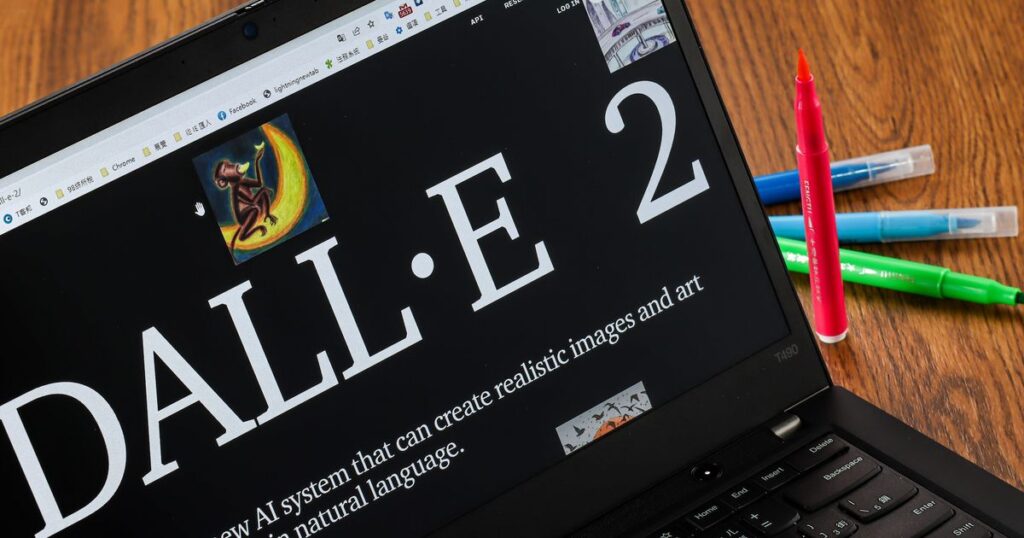
DALL-E is another artificial intelligence program for text-to-image generation, similar to Stable Diffusion, it also has the ability to generate objects in reality as well as create objects that do not exist. However, the difference between DALL-E and Stable Diffusion is that DALL-E can generate four images for selection at once, while Stable Diffusion can only generate one image.
However, DALL-E is a paid service. Currently, the minimum cost is $15 for 115 points, and each use deducts points corresponding to the number of images generated. This provides DALL-E with more options and flexibility to a certain extent, but it also requires considering the associated costs.
- Notion
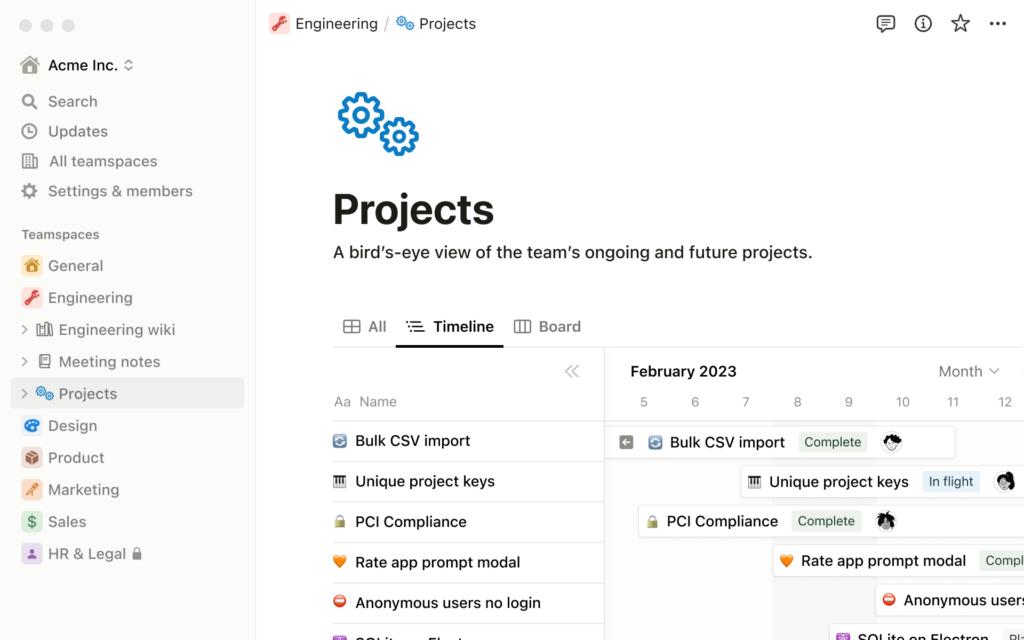
Notion is an all-in-one AI application that combines note-taking, knowledge management, databases, boards, calendars, and more. It is suitable for both personal use and supports cross-platform collaborative operations. For busy individuals like us, Notion's biggest advantage lies in saving project communication time.
For example, each member of our company needs to interact with different clients. In the past, it would take a lot of time to explain client requirements and project progress to colleagues. However, with Notion, we can consolidate all relevant information (such as requirements, schedules, progress, attachments, etc.) within one project. This way, all members can directly view and follow up, and making adjustments becomes very convenient.
Compared to using Excel as a project management tool, Notion is more intuitive and straightforward. In Notion, we can create subdirectories under the main project without needing to create a new page for each new project or added item. This functionality makes project management more efficient and convenient.
- Canva
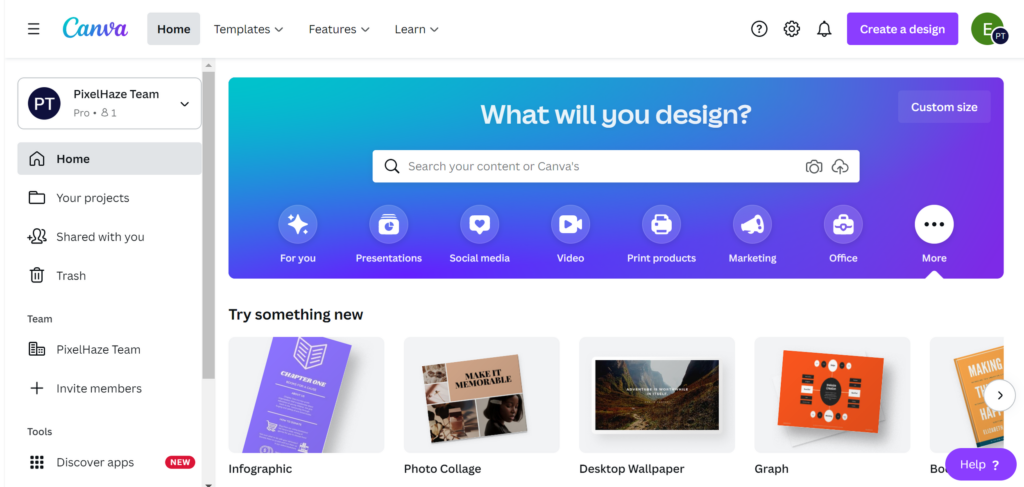
Freelancers often face the challenge of presenting project concepts to clients in PPT or PDF format, and receiving feedback in the form of another PPT or PDF file. This back-and-forth communication not only accumulates many files but also makes it difficult to consolidate feedback. Canva, as a free graphic design platform, offers design templates for users to utilize. Additionally, it provides an AI image generation feature called "Text to Image," allowing users to create the desired images using text input.
Our company frequently uses Canva to communicate requirements with clients, allowing both parties to collaborate directly on the platform. This enables us to discuss needs in real-time during online meetings, thereby avoiding misunderstandings later on. Canva's interface filters and assistance tools also guide users to easily obtain the desired images, providing a more efficient way of communication.
—
This article is authored by: Peace Chew(FIPEA Design)
#designfreelancing #productdesign #projectexperience #AI